
Administration
Your account and your data
Available on every plan
Everything you record is yours, and it lives on your phone first. An account keeps a copy online, so it survives a new phone and shows up on every device you sign in on. This page is about the account, about getting your data in and out of the app, and about the settings that make the app yours.
None of it needs a subscription.
With or without an account
The app works without an account. Your teams and matches then live on this device only: fine for trying it out, but gone when you delete the app or lose your phone.
An account changes three things:
- Your data is kept online. Teams, players, periods, matches, drafts and opponents are synchronized, so a new phone picks up where the old one stopped.
- The same team is on every device. Sign in on a tablet as well, and it shows the same matches.
- You can work with others. Sharing a team and recording a match together both start from an account. See Multiple teams and periods and Recording together.
Signing in
Tap the round picture at the top right of the home screen. It opens the settings panel, with Log in or register at the top. You can sign in with an email address, or with Apple, Google or Microsoft. Whatever you made before signing in is linked to the account from then on.
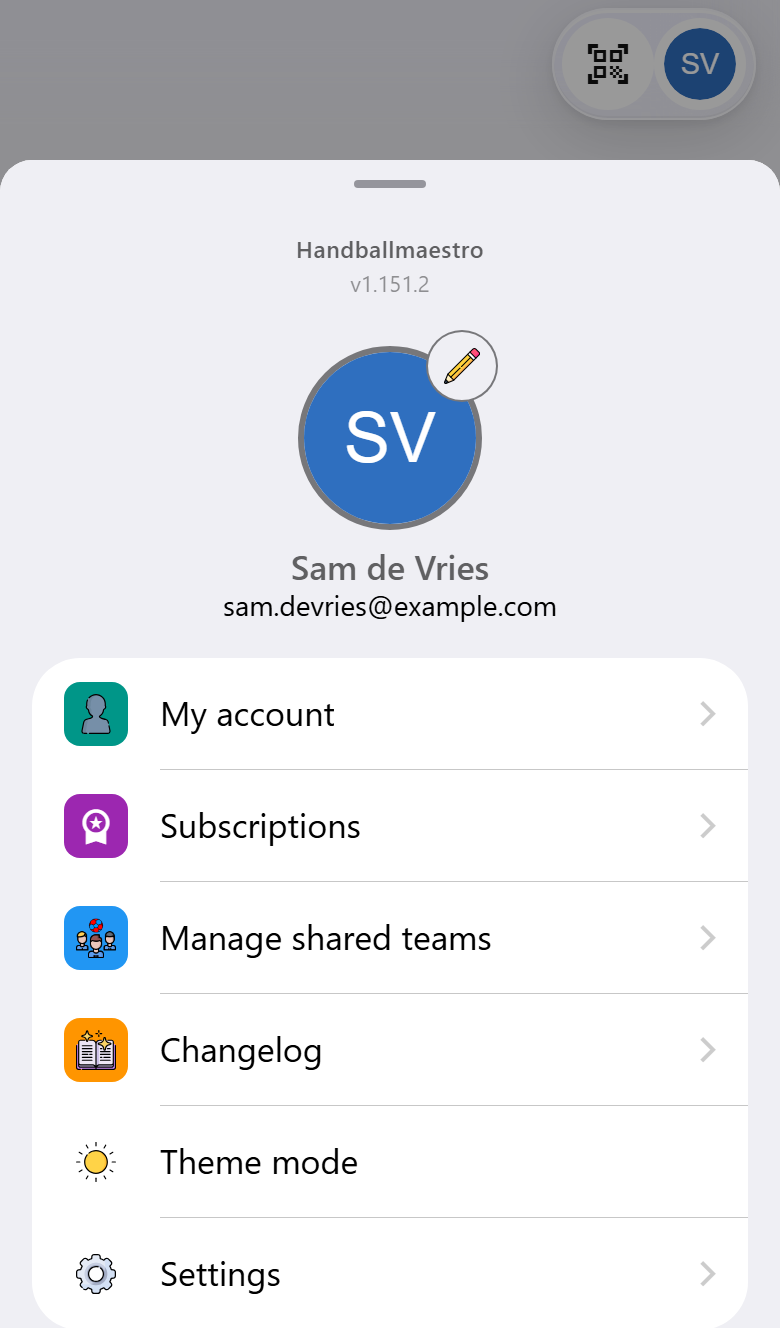
Once you are signed in, the panel shows who you are, and adds My account, Subscriptions and Manage shared teams. Your picture comes from Gravatar, the service many websites use for the picture that goes with an email address. The pencil next to it takes you there to change it.
Don't want an account at all? Switch on Don't use an account in the settings, and the app stops reminding you about it.
Your account
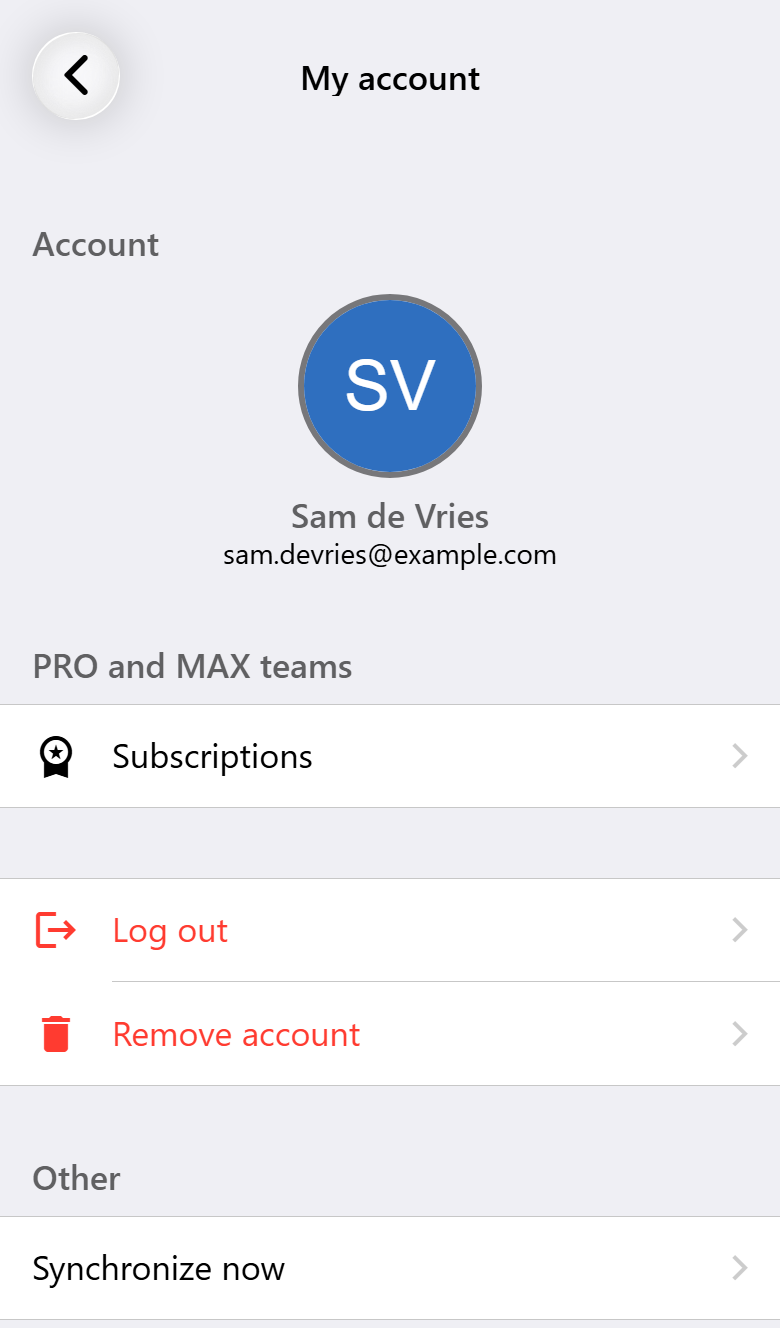
My account shows the account you are signed in with.
- Synchronize now sends and fetches everything straight away. Normally that happens by itself, shortly after something changes.
- Log out removes your data from this device, except your settings. It stays in your account and comes back as soon as you sign in again, here or on another device.
- Remove account deletes the account and everything in it, on this device and online: teams, players, periods and matches, and also the live scoreboards, shared matches, statistics pages and attendance requests that came from them. To be sure you mean it, the app asks you to type a word first. This cannot be undone.
The language you choose is kept with your account too, so the emails you get from us are in that language as well.
No internet
The app does not need a connection to record a match. Everything you do is kept on your phone and synchronized as soon as you are online again. Only the things that are online by nature say so when there is no connection: the live scoreboard, recording together and attendance requests.
Getting your data in and out
Import or export, in the settings, moves data between devices and accounts as a file.
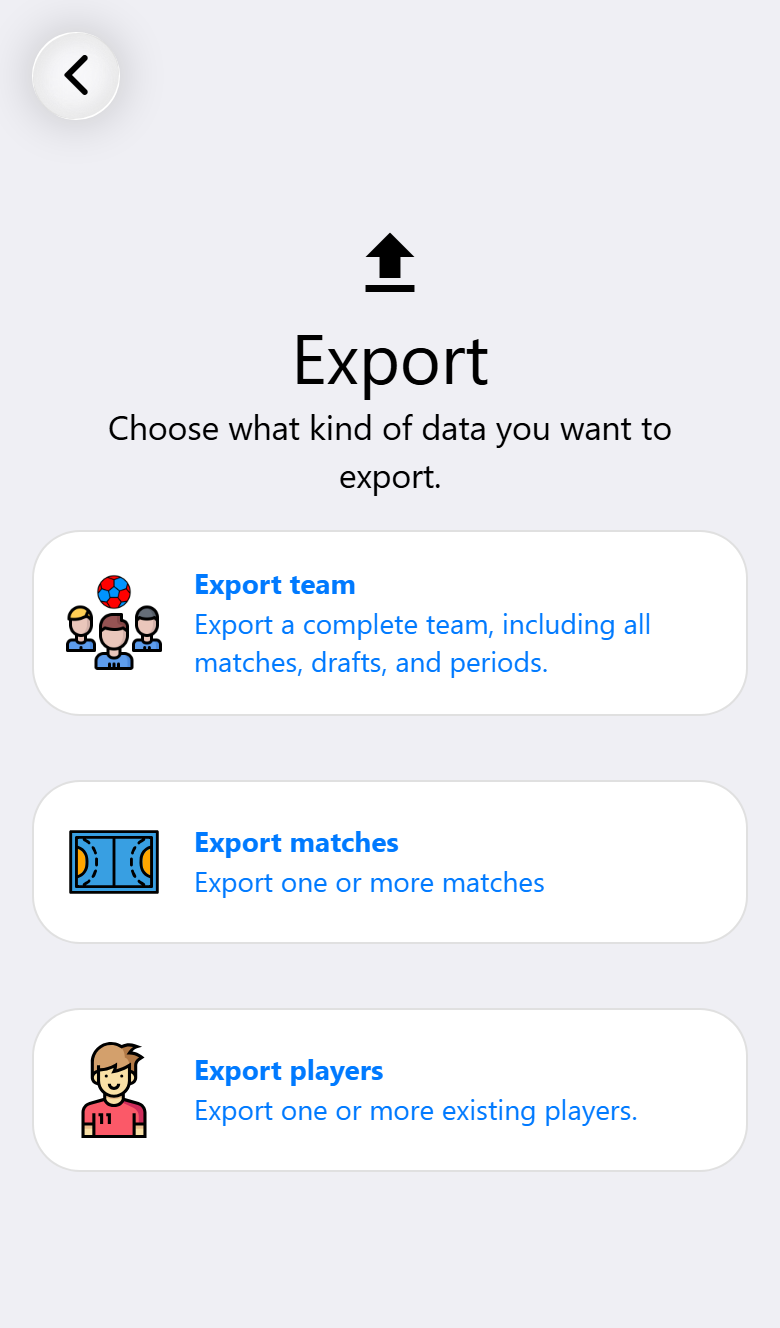
- Export team saves a complete team, with all its matches, drafts and periods.
- Export matches saves one or more matches.
- Export players saves one or more players.
Give the export a name if you like, then send it wherever you want: to yourself by email, to a colleague, to a cloud drive. On the other side, Import reads such a file back in.
The same screen has Import demo data: a team with players and a season of matches already played, to explore the app with before your own season starts, Pro and Max included. See Trying everything on a demo team.
Settings
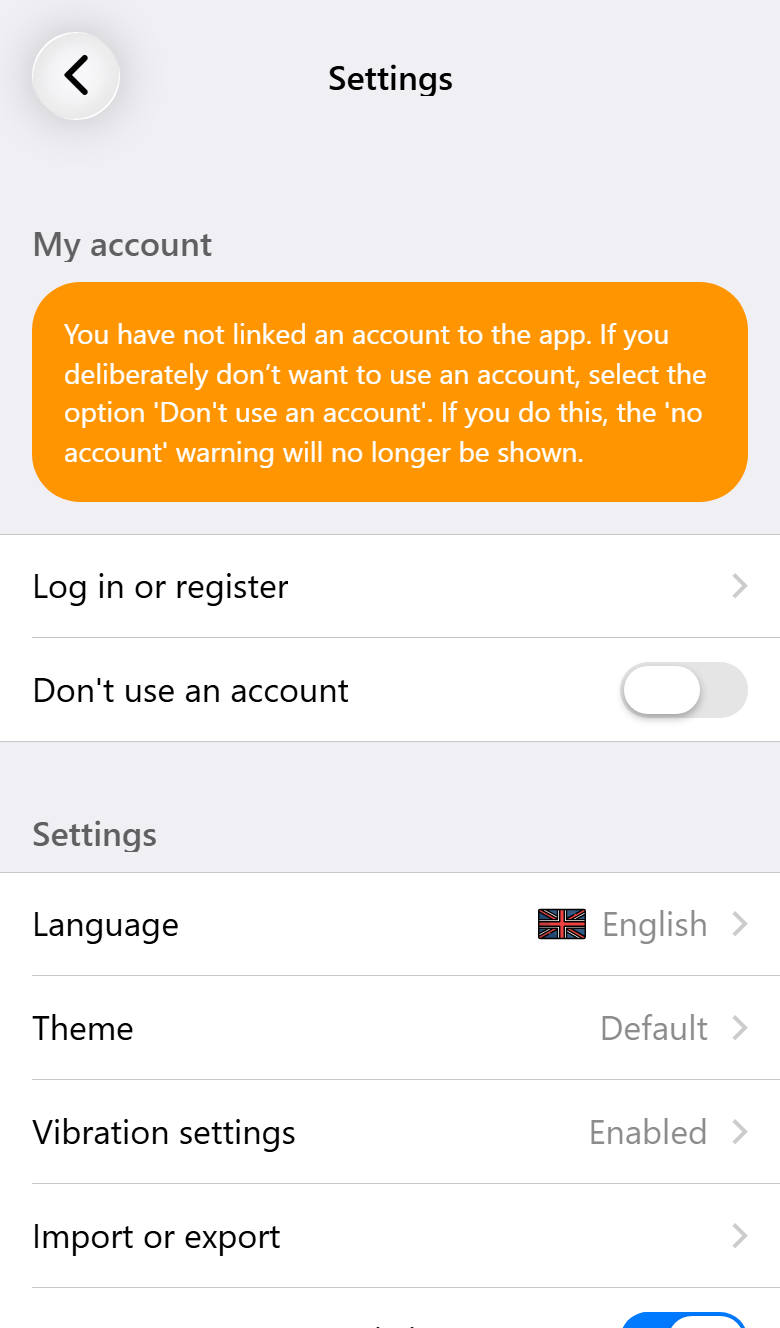
Open Settings from the settings panel.
- Language. The app speaks twelve languages: Dutch, English, German, French, Spanish, Italian, Polish, Portuguese as written in Brazil and in Portugal, Danish, Turkish and Ukrainian.
- Theme. Light or dark, and the accent color of the app. Light and dark can also be switched straight from the settings panel, with Theme mode.
- Vibration. Short vibrations for what happens during a match: the clock stopping and starting, a goal, a card or suspension, the start and end of a period, and a reminder to substitute. On phones that support it.
- Anonymous usage statistics. Whether the app may tell us which parts are used, without anything that says who you are or what you recorded. Switch it off and it does not.
Without an account the settings panel also has Delete all data, which empties the app and starts it again. It asks you to type a word first, because there is no copy online to get it back from. A live scoreboard or shared match started from this device is stopped online first. Without a connection that cannot happen, and the app asks whether to delete the data on the device anyway.
Updates
The app updates itself. Most improvements arrive without a visit to the app store: they are downloaded in the background and the settings panel offers to apply them. When a new version does need the store, the app tells you. Changelog, in the settings panel, lists what changed.
What you need for what
| Base | Pro | Max | |
|---|---|---|---|
| An account, signing in on several devices | ✓ | ✓ | ✓ |
| Synchronizing teams, players, periods and matches | ✓ | ✓ | ✓ |
| Exporting and importing | ✓ | ✓ | ✓ |
| Language, theme, vibration | ✓ | ✓ | ✓ |
| Working without a connection | ✓ | ✓ | ✓ |