
Getting started
Setting up your team
Available on every plan
A team is the club, the squad and the way you usually play. Everything else in the app hangs off it: matches belong to a team, statistics are per team, and a subscription is bought per team.
Setting one up takes a few minutes and you rarely touch it again.
The team assistant
The assistant asks only what it needs and leaves the rest at sensible defaults. You can change any of it afterwards.
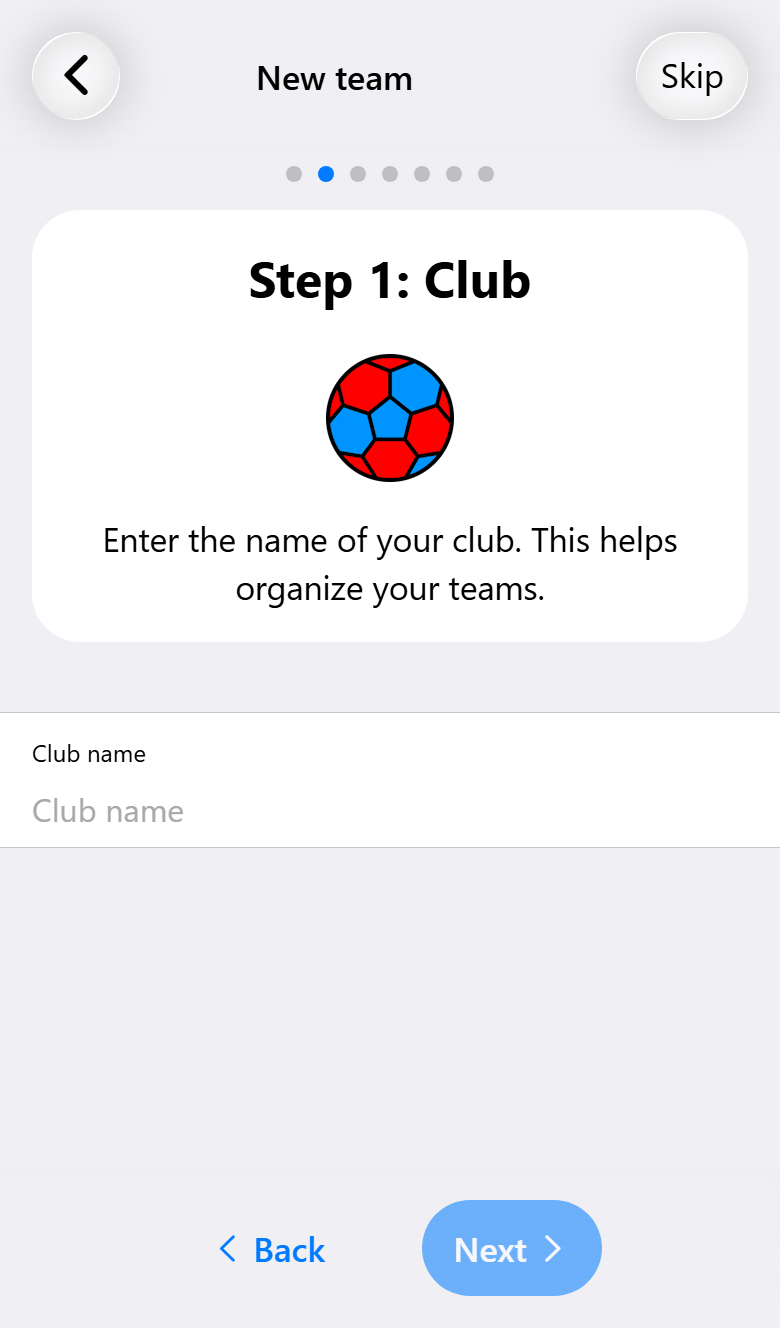
It walks through the club name, the team name, how long a half usually lasts, the kit and the players. If you already have a team you can start from a copy of it instead, which is the quickest way to add a second team from the same club.
What a team holds
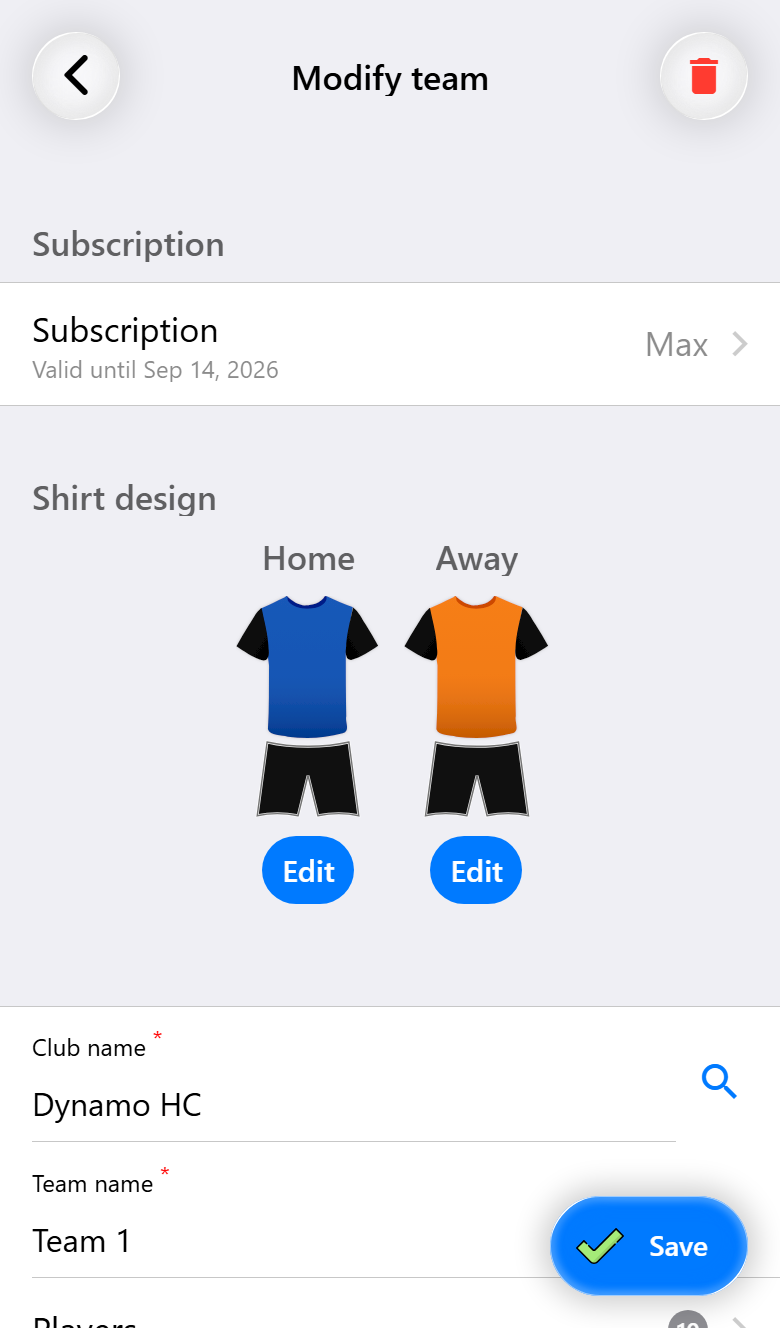
Open a team and you get everything about it on one screen: the kit, the squad, the settings every new match starts from, and, further down, the subscription.
The kit
Design the home shirt: color, style, text and numbers. It is drawn on the scoreboard, in the match, and on the shared links, so it is worth a minute.
Style chooses the pattern, from plain to stripes, hoops, waves or checks, and for some patterns a direction: vertical, horizontal or diagonal. The colors sit above the shirt: the base, the sleeves, the pattern, and the shorts with their accent. Delete under a color puts it back to the default. Besides a palette, the color picker has a tab for an exact color, where you type the hex code from your club's house style. Text puts a short text on the shirt, with its own color, border and background.
With Pro you also get an away shirt, for when your colors clash with the opponent's, and an AI design that builds a kit from a description. The shorts can be styled separately on every tier.
The squad

Add players by name. Each one can carry:
- A default jersey number, suggested automatically in every new match.
- Preferred positions, in order of preference, each marked as their own position, one they can play, or a stopgap. The substitution view uses them to propose who comes on for whom and who should change places. A player whose only position is goalkeeper stays out of the rotation. While you set them, the app proposes the positions the player played in their last ten matches, for any team. Use suggestion takes that proposal over in one tap.
- A photo, with Pro, shown in the match and optionally on the live scoreboard.
A player can be in more than one team, so someone playing up an age group is one player with one set of statistics, not two.
Guest players are for someone filling in for a single match. They are marked as guests and do not join the squad, which keeps your season statistics honest. You add them in the match assistant, see Recording your first match.
Changing or deleting a player. Tap a player to change their name, number, positions or photo. That does not change matches that already exist: a match keeps its players as they were when it was created. Drafts do follow the change. To delete a player, swipe them to the left in the list and tap Delete. That removes them from every team they are in, not only this one. Matches already played keep them.
The default match settings
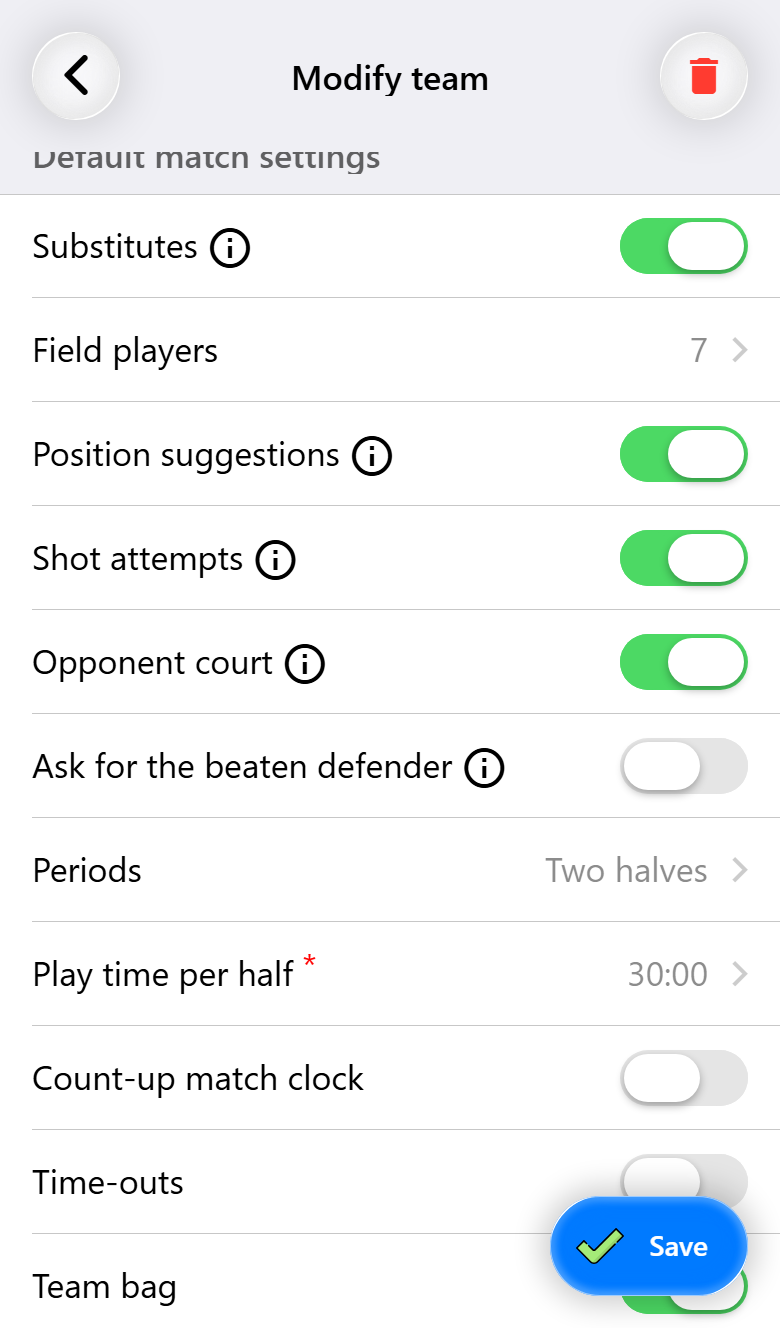
This is the part that saves the most time later. Substitutions, the number of field players, shot attempts, the opponent's court, the periods and the playing time per half: you set them once, and every new match starts from them.
Saving these as team defaults needs Pro. On Base you set them per match instead, which is a few taps in the match assistant each time.
The small information icons explain what each one does, and what it changes on the match screen is covered in The match screen. Position suggestions decides whether the app proposes position changes on the court, see Substitutions.
Meeting times
Per team you can set when and where you gather for a home match, and for an away match either a fixed time or one worked out from the home time plus travel. Attendance requests are then filled in for you. This needs Pro; there is more in Arranging attendance.
More than one team
There is no limit on the number of teams. A subscription is per team, so one team can be on Max while another stays on Base, which suits a coach who runs a first team and helps out with a youth side. Base lets you record five matches, for one team; the matches of teams on Pro or Max do not count towards that. See What it costs and what you get.
Switch between them from the selector at the top of the home screen. Everything below it follows: matches, statistics and the cards.
Teams can also be shared with another account, so a coach and an assistant manage the same team, with permissions per person. That needs Pro and is covered in Multiple teams and periods.
What you need for what
| Base | Pro | Max | |
|---|---|---|---|
| Creating teams, no limit | ✓ | ✓ | ✓ |
| Home shirt, shorts and colors | ✓ | ✓ | ✓ |
| Players, numbers and preferred positions | ✓ | ✓ | ✓ |
| Guest players | ✓ | ✓ | ✓ |
| Copying a team | ✓ | ✓ | ✓ |
| Away shirt | ✓ | ✓ | |
| AI shirt design | ✓ | ✓ | |
| Player photos | ✓ | ✓ | |
| Saving default match settings | ✓ | ✓ | |
| Default meeting times | ✓ | ✓ | |
| Sharing a team with another account | ✓ | ✓ | |
| Kit bag with sizes | ✓ | ✓ | |
| Custom events as a default | ✓ |