
After the match
Reports and export
Available on every plan
The whistle goes and everything you tapped during the match turns into numbers. This page shows where those numbers live, and how to get them out of the app when someone else needs them.
There are two places to look, and the difference matters:
- A match report covers one match. Who scored, who saved, who sat out.
- Match statistics cover a whole period. Form across ten matches, not one afternoon.
Finding a match report
Reports live on the statistics tab, the bar chart icon in the bar at the bottom of the screen.
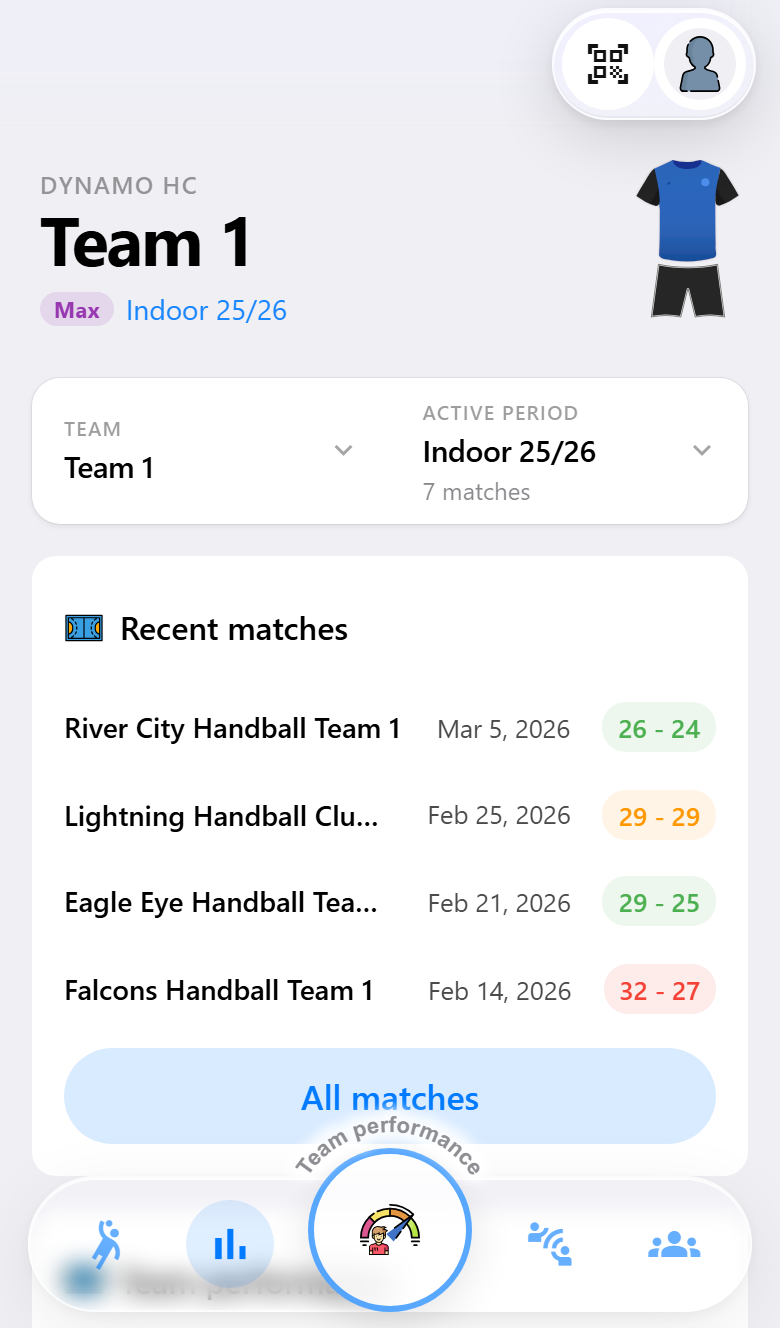
The tab opens on your recent matches, most recent first, with the result beside each one. Below that sit the cards that summarize the season: team performance, attendance, top scorer and best goalkeeper.
Tap a result to open its report.
What is in a match report
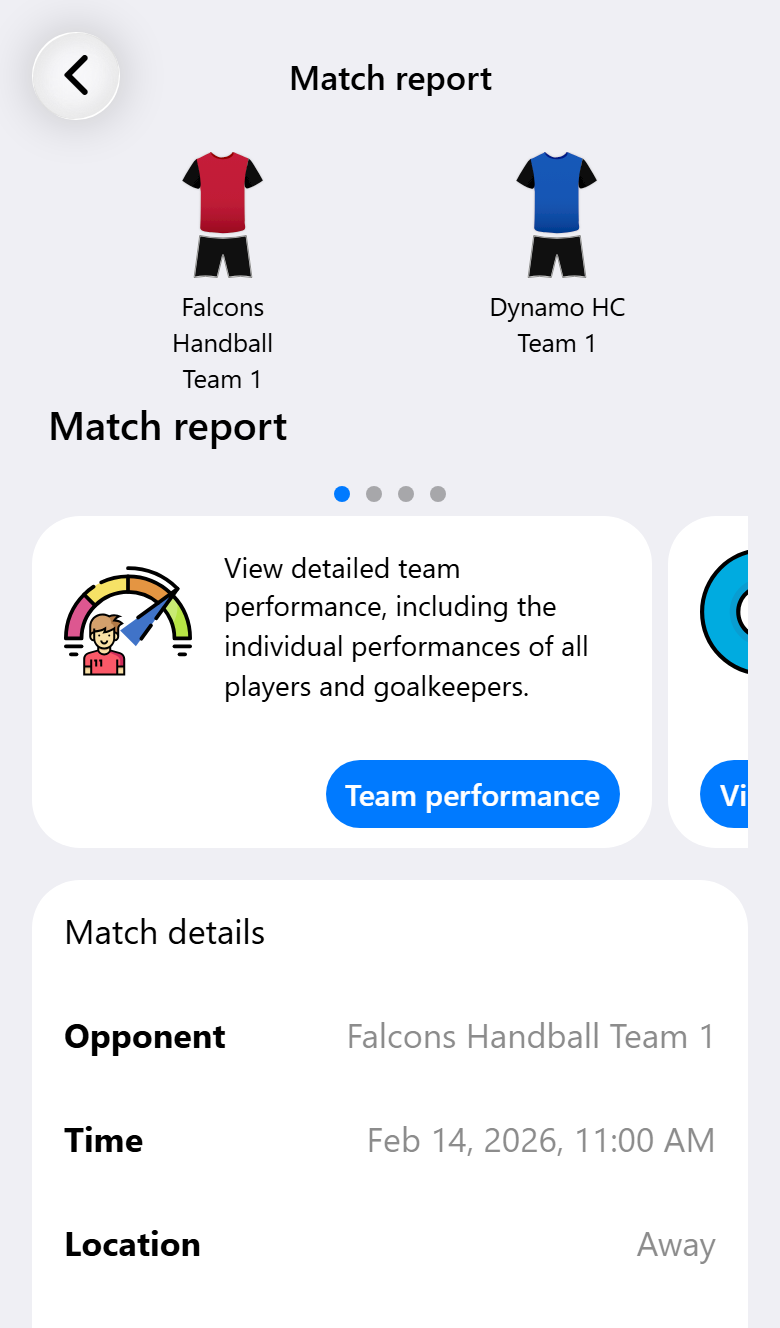
The report opens with both kits and the final score, then works down through the match:
Notes. With Pro, what you noted during and after the match comes first. When the match is linked to its opponent, Open opponent takes you to everything you know about them. See Knowing your opponent.
Match details. Date, location, competition and the final score per period.
Who was not there. Injured players and absent players, so a month later you can still see why your top scorer produced nothing.
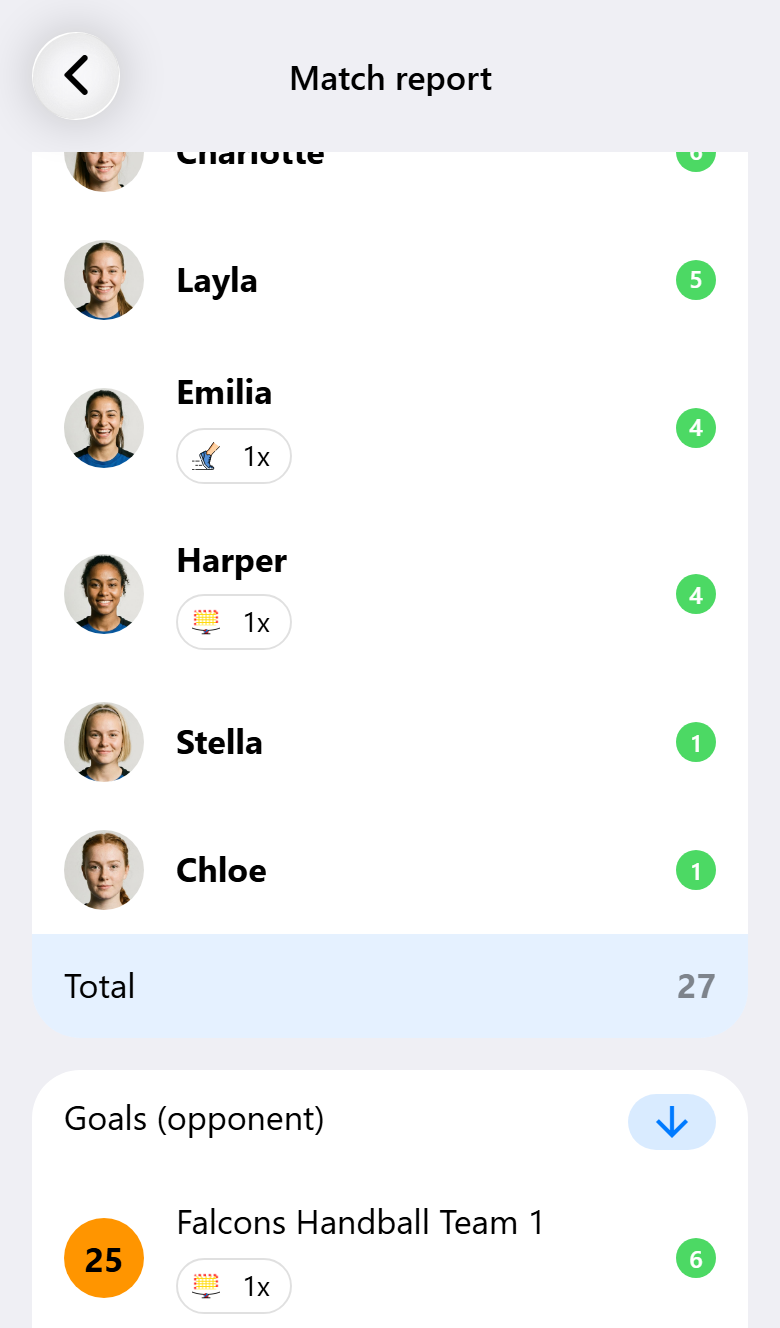
Per player. A card for each kind of action, with a number beside every player: goals, saves, blocks, 7-meter throws, two-minute suspensions, yellow cards and disqualifications.
The opponent gets the same cards, so you can see which of their players hurt you. Their goals and 7-meter throws need Pro.
The timeline. The full run of the match, event by event. Use the filter at the top of the timeline to narrow it down to, say, only goals and suspensions.
Back to the match. Among the cards at the top of the report, Open match takes you to the match itself. That is where you undo a last action, restart a match that was ended too early, or reach the online match center.

Statistics across several matches
One match tells you little. Ten start to show a pattern.
Open Match statistics from the home screen, the matches list or the period selector. Pick the period you want at the top, and everything below follows it.
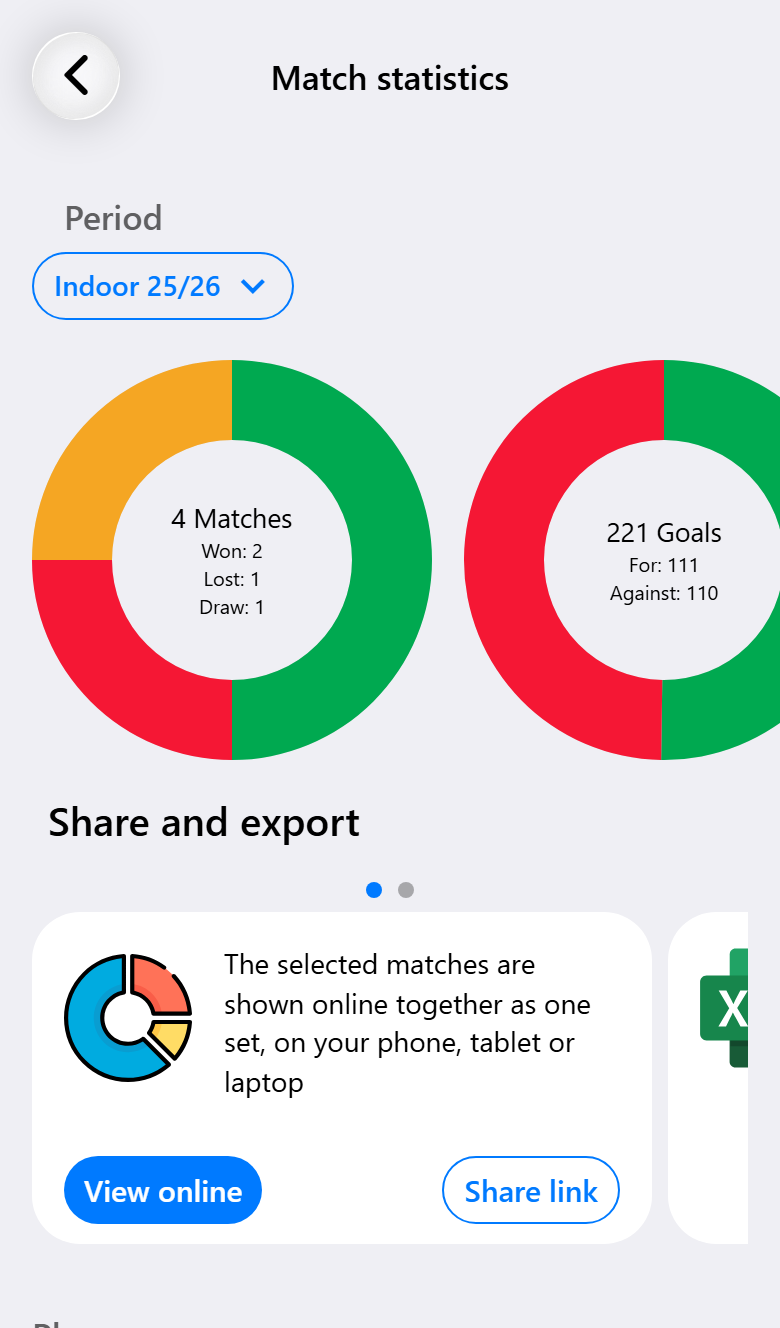
Five rings summarize the period: matches won, drawn and lost; goals for and against; 7-meter throws taken and scored; yellow and red cards; and two-minute suspensions.
Below them sits the table, a row per player and a column per action.
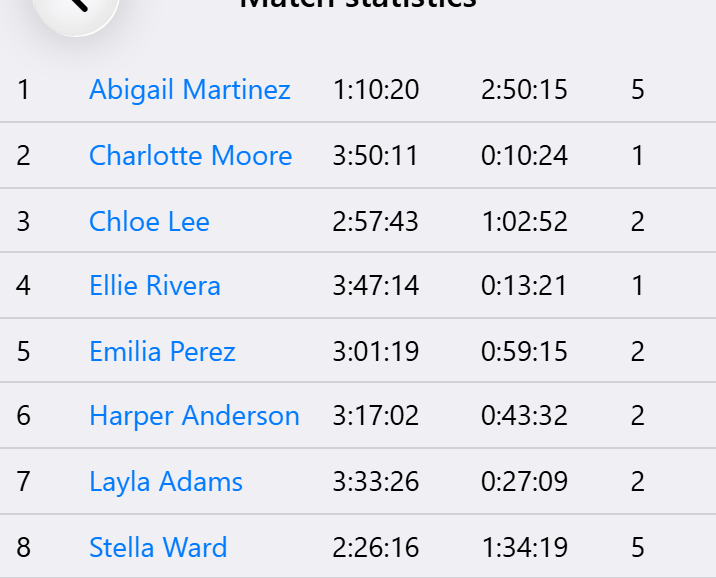
Playing time, rest time, goals, shots, saves, assists, fast breaks, turnovers, interceptions, blocks, 7-meters earned and caused, cards and suspensions. Tap a player to open their own page and see the same numbers match by match.
Taking the numbers with you
Three ways out of the app, depending on who is asking.
Excel. The button under the rings exports the period you are looking at. You get a sheet with the match totals, a sheet for the players and a sheet for the goalkeepers, with goals against and a save percentage worked out for you. Useful when a board or a technical committee wants to do its own sorting. Needs Pro.
PDF report. From a match report, tap the report card and the app builds a PDF of that single match, including the shot visualizations. Handy for sending to a player, a parent or an opponent straight after the match. Needs Pro.
The online statistics environment. Also from a match report, you can push a match to the full statistics website: shot maps, efficiency per phase, per-player pages and a lot more. It gets its own link that you can share. Needs Max, and has its own page.
What you need for what
| Base | Pro | Max | |
|---|---|---|---|
| Goals, saves and blocks per player | ✓ | ✓ | ✓ |
| Cards, suspensions and disqualifications | ✓ | ✓ | ✓ |
| Injured and absent players | ✓ | ✓ | ✓ |
| Statistics across a period | ✓ | ✓ | ✓ |
| Goalkeeper statistics and save percentages | ✓ | ✓ | ✓ |
| Opponent goals and 7-meter throws | ✓ | ✓ | |
| Team performance with shot visualizations | ✓ | ✓ | |
| Match notes in the report | ✓ | ✓ | |
| Excel export | ✓ | ✓ | |
| PDF match report | ✓ | ✓ | |
| Custom events in the report | ✓ | ||
| Online statistics environment | ✓ |